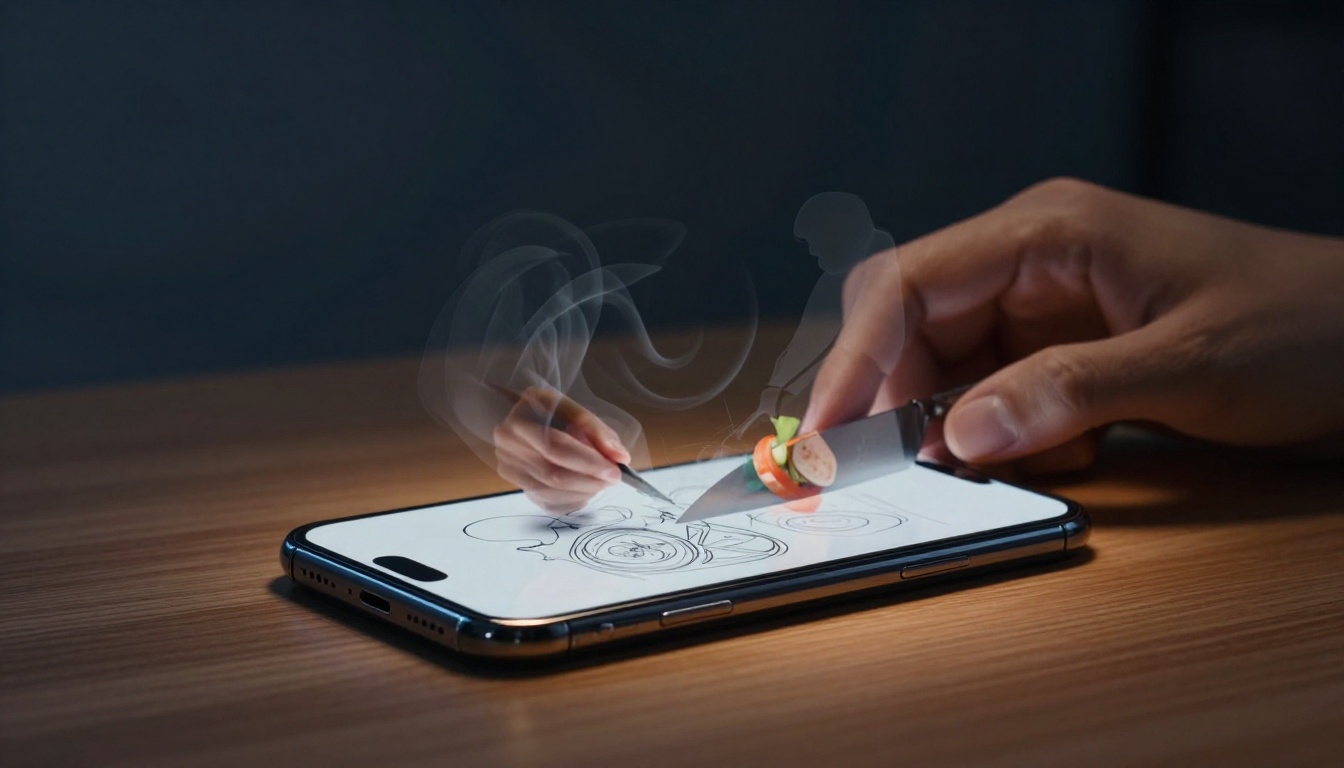
Ever watch a home cook chop veggies for dinner? She grabs her knife, starts slicing, then pauses to check her phone. A quick time-lapse video later reveals she wastes half her prep time on poor technique.
Time-lapse recording speeds up footage so hours pass in minutes. You see your full process at once. It works great for writing sessions, workouts, drawing marathons, or craft projects.
This method uncovers hidden habits like needless breaks or rushed errors. You spot wasted moments, build speed, and gain motivation from watching progress unfold. Plus, reviews feel fun instead of tedious. Next, we’ll cover gear choices, setup tips, analysis steps, and workflow fixes.
Pick the Perfect Gear for Smooth Time-Lapse Recording
Most folks already own the best tool: their smartphone. iPhones have a built-in time-lapse mode in the Camera app. Just swipe to it, hit record, and let it run. Android users on Pixel or Samsung devices find similar options in the camera settings.
These stock features keep things simple. They capture at fixed intervals and export ready-to-watch videos. However, free apps add power. Hyperlapse from Instagram stabilizes shaky shots as you move. Lapse It lets you tweak speeds and quality.
Stability matters most because blur ruins reviews. A $15 Amazon Basics tripod holds your phone steady for hours. Phone mounts clip right on. Battery life counts too; long shoots drain power fast. Keep a charger handy.
In low light, turn on your phone’s LED or add a clip-on light. These picks stay cheap and beginner-friendly.
Smartphone Built-ins vs Powerful Apps
Stock camera apps shine for ease. They start quick with no setup. Limits hit on intervals though; you can’t always adjust for slow tasks.
Apps fix that. OS Time-lapse Camera offers custom speeds. Framelapse adds gyro stabilization to smooth handheld clips. For example, film a two-hour drawing in one take. It compresses to two minutes of clear flow.
Apps win for control. Built-ins suit fast tests.
Must-Have Accessories for Rock-Steady Shots
Tripods beat handheld every time. GorillaPods bend for weird angles like overhead desks. They grip edges or stands.
External batteries extend shoots past an hour. Apps like Time Lapse Camera serve as intervalometers for exact timing.
Phones overheat on long runs. Prop them on a cooling stand or pause every 30 minutes. These add-ons cost under $30 total.

Set Up Your Time-Lapse to Capture Real Habits
Prep keeps your routine natural. Place the phone to show your full workspace. Wide-angle lenses catch everything without crowding.
Good lighting ensures clear details. Natural window light works best. Soft lamps avoid glare. Test a short clip first.
Choose intervals by action speed. Fast typing needs one-second gaps. Slow painting suits five to ten seconds. For a one-hour task at one-second intervals, expect 3,600 frames or a two-minute video.
Start recording discreetly. Secure gear away from your path. Then forget it and work.
Find the Best Angle and Lighting Setup
Overhead views suit desk jobs like writing. Side angles fit cooking or exercise. Use your phone’s grid for balanced framing.
Test shots reveal issues. White paper diffuses harsh lights and cuts shadows.
Nail the Timing for Perfect Speed
Match intervals to pace. Workouts demand 0.5-second shots for quick reps. Writing flows at two seconds.
Auto-loop modes handle multi-hour days. Calculate ahead: slower actions mean wider gaps.
Analyze Your Footage to Spot Wins and Fixes
Watch at normal speed first. Pause often. Free tools help. iMovie trims clips. CapCut slows playback. VLC marks timestamps.
Hunt patterns like long pauses or jerky moves. Note smooth sections too. Quantify phases with time codes.
Compare runs side by side. Checklists guide you: distractions, speed, flow.
Hunt for Distractions and Slow Spots
Phone checks kill momentum. Posture shifts signal fatigue. Tool hunts waste minutes.
Annotate clips. Tally dead time as a percentage. One review might show 20% lost to breaks.
Track Your Pace and Overall Flow
Break tasks into segments. Time each per minute. Spreadsheets graph progress.
Praise fast parts. They build confidence for changes.
Compare Multiple Sessions Over Time
Editors align videos. Spot fewer pauses after tweaks. Track gains weekly.
Apply Lessons to Build a Better Workflow
Act on findings right away. Pick one fix per review. Batch tools upfront to cut setup.
Writers often shave 20% off prep this way. Set goals like “halve pauses” for next shoot.
Do monthly time-lapses for big shifts. Stack habits: review footage then journal why patterns stick.
Quick Changes for Immediate Speed Boosts
Prep stations ahead. Use timers for breaks. Adjust ergonomics to stay focused.
Create Routines That Stick from Your Insights
Replay clips as reminders. Pair with notes on causes. Fixes become automatic.
Time-lapse turns self-study into a simple habit. You see real progress fast. Pick one process this week. Record it, review, and tweak.
Share your wins in the comments. What habit surprised you? Subscribe for more easy productivity tips. Watch your process transform right before your eyes.