Skip to content

romoo

  • Home
  • About Us
  • DMCA
    • California Consumer Privacy Act (CCPA)
  • Cookie Privacy Policy
    • Privacy Policy
  • Terms of Use
  • Contact Us

Layers and Non-Destructive Editing

How to Use Clipping Masks and Alpha Lock for Shading Within Lines
April 4, 2026 by admin

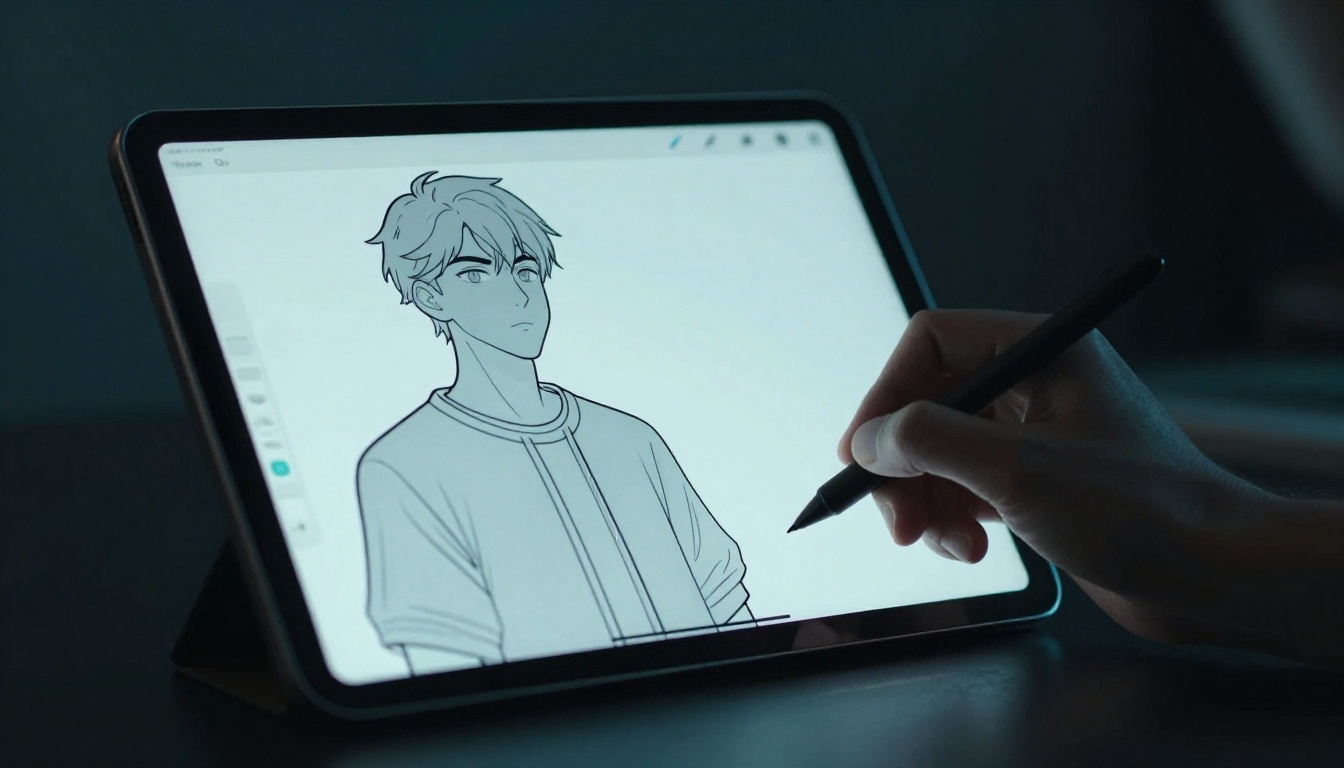
Ever shaded a digital drawing only to watch your colors bleed outside the lines? You add depth with shadows and highlights, but now you face hours of erasing messy spills. Frustrating, right? Clipping masks and alpha lock fix that problem fast. Clipping masks make an upper layer stick to the shape of the layer below … Read more
Categories Layers and Non-Destructive Editing Leave a comment

How to Use Smart Objects to Resize Without Losing Quality in Photoshop

April 4, 2026 by admin

Picture this. You grab a logo for a client project and scale it up for a banner. It turns into a blurry mess. Pixels stretch and quality vanishes. That happens because regular raster layers in Photoshop destroy detail when you resize them. You stretch pixels, and they never snap back. Smart Objects fix this problem. … Read more

Categories Layers and Non-Destructive Editing Leave a comment

Beginner’s Guide to Layer Blending Modes: Multiply, Screen, and Overlay

April 4, 2026 by admin

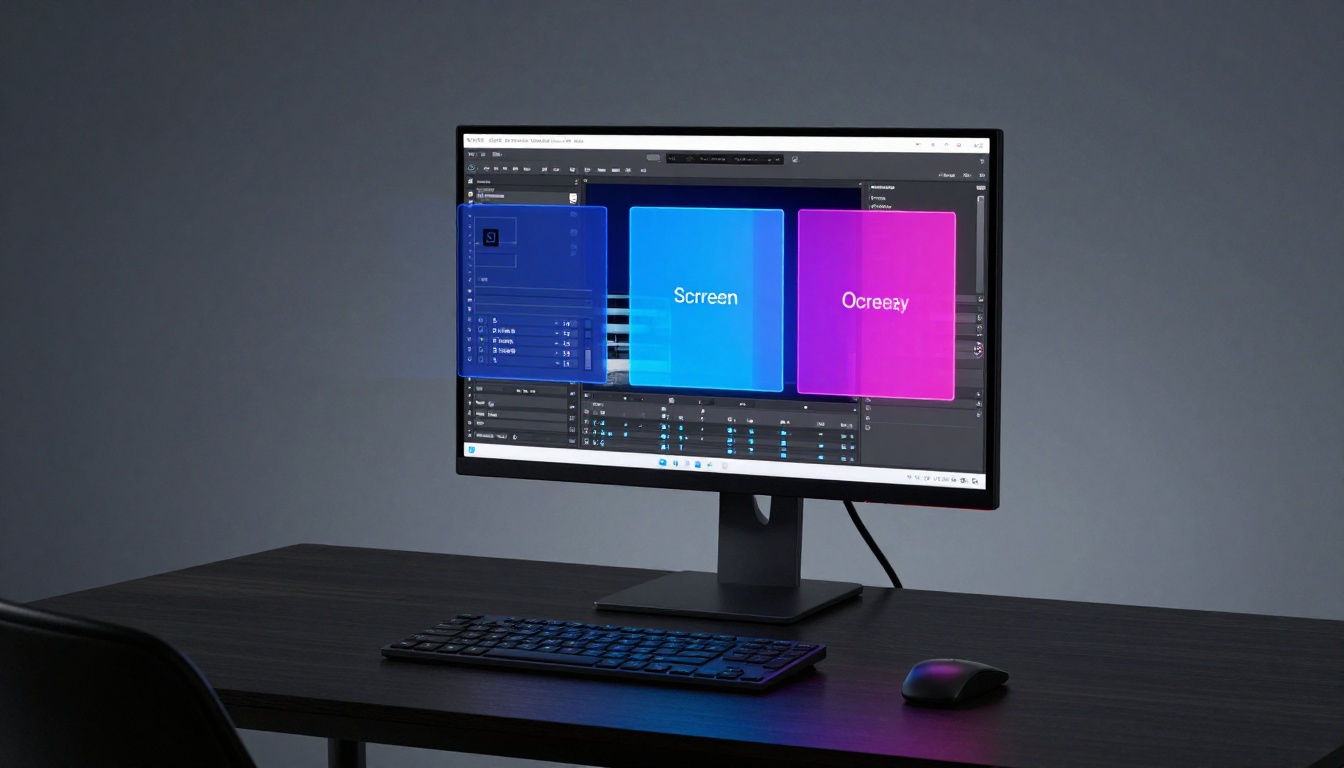
Ever tried adding shadows to a photo, only to wipe out the original colors? You stack a dark layer on top, but it turns muddy fast. Layer blending modes fix that mess. These tools live in software like Photoshop or GIMP. They blend pixels from two layers with simple math. You get effects like deeper … Read more

Categories Layers and Non-Destructive Editing Leave a comment

How to Organize Complex Illustrations with Groups and Naming

April 4, 2026 by admin

Picture this. You open an Adobe Illustrator file for a big project. Hundreds of shapes, paths, and strokes scatter across the artboard. You need to tweak one small petal on a flower, but it hides among dozens of elements. Minutes turn into hours as you hunt and peck. That frustration ends today. Groups let you … Read more

Categories Layers and Non-Destructive Editing Leave a comment

The Best Way to Use Adjustment Layers for Global Color Correction

April 4, 2026 by admin

You open Photoshop with a photo from your last hike. The colors look flat under cloudy skies. You tweak the hues directly, but it turns muddy fast. Pixels bake in the changes. You can’t go back. Global color correction fixes the overall tones, hues, and brightness across the whole image. It revives dull shots without … Read more

Categories Layers and Non-Destructive Editing Leave a comment

Recent Posts

  • How to Choose the Right DPI for Print vs. Digital Displays
  • Raster vs. Vector Graphics: Beginner’s Guide to Smart Choices
  • How to Set Up Artboards with Bleed and Safety Margins for Perfect Prints
  • Aspect Ratio Science: Fit Your Art Perfectly for Social Media
  • Manage RGB vs. CMYK Color Profiles to Avoid Muddy Prints

Recent Comments

No comments to show.
  • Brushes and Line Work
  • Composition and Perspective Tools
  • Digital Canvas and Resolution
  • Digital Color Theory and Painting
  • Layers and Non-Destructive Editing
  • Software Workflow and Exporting
© 2026 romoo • Built with GeneratePress