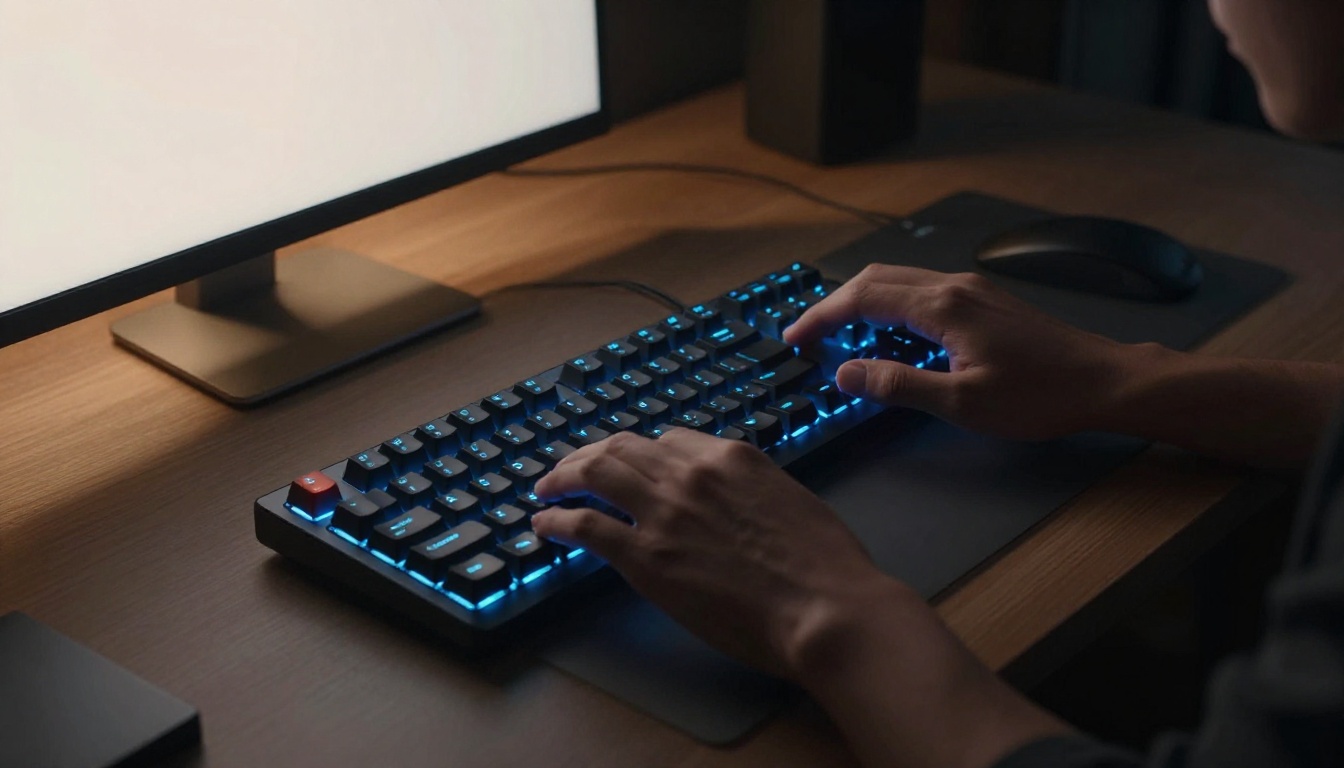
Picture this. You’re deep in a Photoshop project with a deadline looming. You hunt for the brush tool menu. Then you drag sliders to resize it. Minutes slip away on simple tasks.
Keyboard shortcuts and ExpressKeys change that. They let you trigger commands in seconds. You cut task times in half. Over a week, you save hours. Keyboard shortcuts pair keys like Ctrl or Cmd with letters for quick actions. ExpressKeys are buttons on Wacom tablets. You program them to mimic those shortcuts.
Both reduce mouse use. Your hands stay fluid. Creative flow stays strong. This post covers the basics first. Then top shortcuts for key apps. Next, step-by-step mapping guides. Finally, pro tips to lock in speed. Whether you edit photos or draw vectors, these steps work for beginners and pros alike. Let’s start with the fundamentals.
Grasp the Basics of Keyboard Shortcuts and ExpressKeys
Keyboard shortcuts speed up any app. You press Ctrl+C to copy. Or Cmd+V to paste on Mac. Modifier keys like Ctrl, Alt, Shift, or Cmd combine with letters or numbers. They launch tools fast. No menus needed.
ExpressKeys add hardware power. Wacom tablets like Intuos or Cintiq have them. You assign shortcuts to 8 to 17 buttons. Plus a touch ring for extras. Your non-dominant hand hits them while drawing. No keyboard stretch required.
Keyboard shortcuts work across software. ExpressKeys tie to your tablet. Together, they build muscle memory. Designers finish layers quicker. Editors scrub timelines smoothly. Illustrators resize brushes on the fly. All on Windows or Mac.
Common examples help. Ctrl+Z undoes mistakes instantly. Ctrl+S saves without pause. F5 refreshes views. These basics fit most creative tools.
Why Keyboard Shortcuts Beat Mouse Clicks Every Time
Speed wins big. Pros save 30% time per task with shortcuts. Mouse drags take longer. Keys fly.
Navigation sharpens. Ctrl++ zooms in fast. No slider hunt. Muscle memory kicks in after a week. You act without thought.
Repetitive strain drops. Less mousing means healthier wrists. Track your gains. Time a retouch before and after.
Remap rare keys too. Turn F13 into a custom zoom. Fit your style perfectly.
ExpressKeys: Your Tablet’s Secret Speed Buttons
Wacom models shine here. Intuos Pro offers 8 keys per side. Cintiq goes to 17. The touch ring handles zoom or rotate.
Access stays easy. Buttons sit under your hand. Draw with pen in one, hit keys with the other. Setup takes minutes. You gain hours daily.
Pick the Best Shortcuts to Map for Your Creative Tools
Start small. Pick 5 to 10 high-impact ones. Focus on daily repeats like layers or brushes. Universals lead: Ctrl+Z undo, Ctrl+S save, Ctrl+C/V/X copy paste cut.
Group by app for max gain. Graphic design needs transform tools. Photo edits crave duplicates. Vectors want selection swaps.
Test in real sessions. Bracket keys resize brushes quick in Photoshop. They beat sliders every time.
Mac swaps Cmd for Ctrl. Note both for teams.
Photoshop Power Moves You Need Daily
Brackets rule brushes. [ shrinks size. ] grows it. Hardness tweaks with { and }.
Ctrl+T free-transforms selections. Resize or skew on the spot.
Ctrl+J duplicates layers fast. Stack edits without drag.
F cycles screen modes. Full view for focus.
Ctrl+Alt+Z steps back multiple undos. History flows smooth.
Illustrator Essentials for Vector Wizards
A grabs direct selects. Tweak points precisely.
V switches to selection tool. Grab objects quick.
Ctrl+Y toggles outline view. Paths show clear.
Shift+F7 pastes in front. Layer builds easy.
Tilde ~ fills patterns. Test looks instant.
Path edits speed up double.
Bonus Picks for Premiere Pro and Other Apps
J/K/L scrubs playback. Frame hunt drops.
C slices with razor tool. Cuts precise.
Q/I set in and out points. Timeline marks fly.
Adapt to After Effects. Or Clip Studio for comics.
Map Shortcuts Easily in Your Software and on Hardware
Apps have built-in editors. Open menus to remap. Save custom sets first. Test changes right away.
Hardware follows suit. Wacom software profiles per app. Avoid conflicts by checking duplicates.
Backup defaults always. Revert if needed.
Customize Shortcuts Step by Step in Adobe Apps
- Open Edit menu. Choose Keyboard Shortcuts.
- Pick a preset. Or search commands.
- Click the key box. Press your combo.
- Save as new set. Name it clear.
Photoshop adds Workspace menu. Check Keyboard Shortcuts & Menus. Illustrator mirrors this. Search speeds finds.
Set Up ExpressKeys in Wacom Tablet Properties
- Download latest drivers. Install fresh.
- Open Wacom Tablet Properties app.
- Hit ExpressKeys tab. Pick app profile.
- Assign keystrokes or functions. Apply.
Touch ring gets modes. Pen buttons too. Mac uses System Preferences. All-button mode fits lefties.
Handle Multi-App Setups with Profiles and Tools
Wacom saves per-app profiles. Switch seamless.
Windows users grab AutoHotkey. Script macros free.
Mac picks Keyboard Maestro. Chain actions beyond apps.
Fine-Tune and Troubleshoot for Non-Stop Speed
Practice daily. Spend 10 minutes on repeats. Track time weekly. Watch savings grow.
Audit workflows. Time layer stacks before mapping. Compare after.
Ergonomics matter. Place tablet central. Keys at hand height.
Advanced adds radial menus. Or Stream Deck buttons. Build on basics.
Quick Fixes for Common Mapping Headaches
Conflicts arise. Apps override OS. Prioritize in settings.
Keys unresponsive? Update drivers. Restart app.
Duplicates show? Search and reassign one.
Reset to defaults via menu. Start clean.
Level Up with Muscle Memory and Testing Drills
Drill 10 minutes mornings. Repeat top 5.
Online quizzes test recall. Free sites abound.
Routine ingrains. Speed doubles in days.
Mapping keyboard shortcuts and ExpressKeys transforms your day. You move faster through edits and designs. Hours return to pure creation.
Pick three today. Map one in Photoshop. Set an ExpressKey for undo.
Share your top combos in comments. What app needs yours most? Subscribe for more workflow hacks. Your creative edge sharpens now.